List of Hidden Roku Channels Codes & How to Use Them [2026]
Open a browser on your PC, sign in to the Roku website with the same account used on your device. Go to My Account, select…


A Roku stick is a streaming device that lets you stream media content on your TV using the internet. The device provides you access to a wide range of movies, TV programs, and channels without having a dedicated smart TV.
Roku has been elevating your streaming experience through its products, such as branded televisions and streaming boxes.
It is much smaller and more compact than other streaming players. The device transform your old-school TV experience to a steroid level.
You Must Check Out:
A Roku stick offers you access to over 4500 channels. They range from popular ones like Hulu, Pandora, Netflix, Vudu, Amazon Prime, HBO, and Disney+ to hundreds of never-heard-of channels.
While accessing many of these channels may be free, others—like Netflix require a subscription fee.
Some even ask for proof of being a cable subscriber to watch their content.
Popular channels like NBC also have their Roku Apps that allow you to live stream the Olympics and other notable sporting events.
Apart from providing unlimited content, a notable aspect of a Roku stick is its ease of use.
Its user-friendly interface and responsive remote control make changing the channels, searching for content, and controlling playback a breeze.
| Device Name | Price |
| Roku Express 4K+ | List Price $39.99 – Discounted Price $29.00 |
| Roku 4K Streaming Stick | List Price $49.99 – Discounted Price $39.00 |
| RokuExpress | List Price $29.99 – Discounted Price $24.00 |
| RokuUltra | List Price $99.99 – Discounted Price $79.00 |
| Roku Ultra LT 4K | List Price $59.99 – Discounted Price $53.00 |
| Roku Ultra LT | List Price $56.99 – Discounted Price $52.26 |
| Roku Premiere Streaming Player | List Price $38.90 – Discounted Price $29.99 |
Setting up a Roku stick is very simple. The step-by-step process is listed below for your ease.
The best alternative to the Roku TV stick is the Amazon Firestick. Its functions are very similar to the Roku. The device allows you to access over 300,000 free movies and TV episodes. It comes with an Alexa voice remote and supports 4K streaming.
A Roku stick can open up a range of media and entertainment options simply by being inserted into one of the HDMI ports of your TV, out of sight. The step-by-step process of connecting a Roku stick to your TV has been outlined in the article above. I have tried to make the process as simple as possible to help even those who are new to a Roku experience.

Open a browser on your PC, sign in to the Roku website with the same account used on your device. Go to My Account, select…
To watch Monday night football NFL on Roku device, you can take advantage of the newly introduced service called Sports Experience. Keep reading to learn…

Streaming services have changed the way we watch live sports. But let us be honest, many users are always on the lookout for free alternatives….

The TikTok official application is not available on the Roku channel store. However, you can still enjoy watching TikTok videos on your Roku smart TV….

A Roku device overheats due to: To fix the Roku overheating problem, you can use an HDMI extender. This improves airflow and helps keep the…
Sometimes, HBO Max acts weird on a Roku device; it freezes, buffers, lags shows a black screen, or crashes abruptly. But it is not something…
TCL Roku smart TV not connecting to WiFi can spoil all the fun. I have found some quick solutions to get rid of the internet…
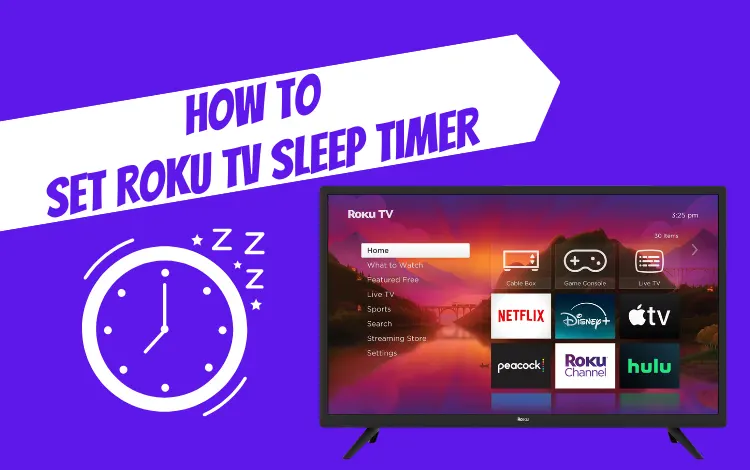
Roku smart TV now include a Sleep Timer feature, which was previously missing. With this, you can schedule your smart TV to power off after…
You need to pair your RCA remote to Roku streaming device to enable all its functions. You must check the RCA universal remote codes for…
There can be multiple reasons why you want to reset your roku box or stick. Like: To reset Roku with remote, go to Settings, navigate…
If you observe improper functioning of your Roku remote, like the volume keys not working, Roku remote blinking green or red light, or any specific…
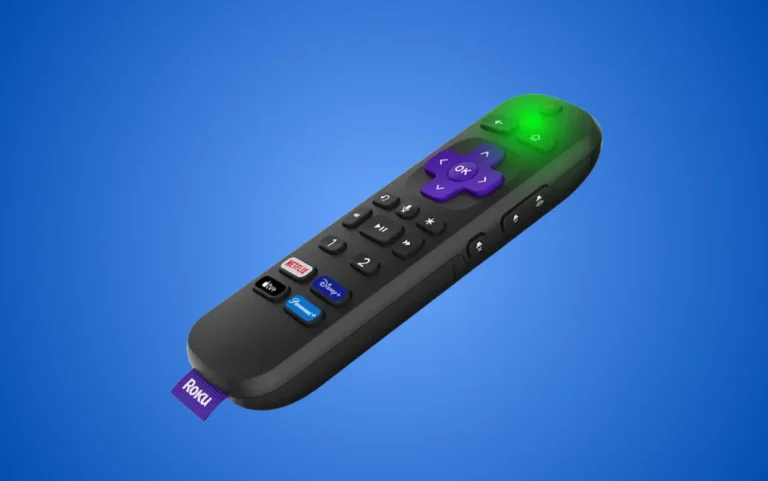
Sometimes, even though your Roku remote works properly, its green indicator light keeps flashing or stays on. Your Roku remote blink green light can be…

A Roku streaming device with an enabled Guest Mode is one of the best perks you can offer to your guests if you: To enable…

Let’s see some of the common reasons that cause the Roku remote to stop working. To fix roku remote not working, check your remote batteries,…